![stage-stubs-logo.svg]](https://help.stagestubs.com/hubfs/stage-stubs-logo.svg)
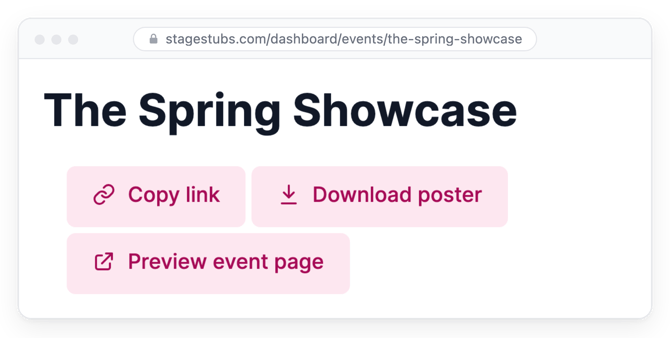
Quick answer: To promote your show on Stage Stubs, click Copy link on your event page and share it in newsletters, WhatsApp groups and social media, and click Download poster for a printable poster with a booking QR code. Families who follow you are emailed automatically when your show goes on sale.
The more places your link appears, the more tickets you'll sell, and the first week matters most: shows sell almost half their tickets in their first week on sale. So as soon as you've published, it's time to spread the word.
Your event's link
On your event's page, click Copy link. Then paste it anywhere your families will see it: your newsletter and parent emails, WhatsApp groups, Facebook and Instagram posts (your Instagram bio is a great spot), and your website.
A poster, ready to print
Click Download poster and you'll get a printable poster for your show with a code people can scan with their phone to book. Pop copies up in reception, on noticeboards and in local shops and cafés.
Seeing what families see
Click Preview event page to see your page exactly as buyers will. It's worth a quick look before you share, to check your description and photo look just right.
Bringing past audiences back
Families who've booked with you before can follow you, and we'll email them automatically whenever you put a new show on sale. [Link: Families who follow you.]
Good to know
Your dashboard's Top tips have more ideas, based on how real Stage Stubs shows sell. And just after you publish you'll see Steps for Success, a handy list of extras you might like to set up, such as discounts and merchandise.
Common questions
When should I share my link? As soon as you publish: shows sell almost half their tickets in the first week.
Is the poster free? Yes.
Related guides: Families who follow you · Discounts and discount codes
Need a hand? Email us at hello@stagestubs.com and we'll be happy to help.